Free
$0USD / month
A simple place to start
- 2 scheduled sales per UTC month
- Up to 50 variants per sale
- Price preview and scheduled restoration
 SaleSwitchApp Store listing coming soon
Pick your products. Preview every price.
Schedule the start — and the finish.
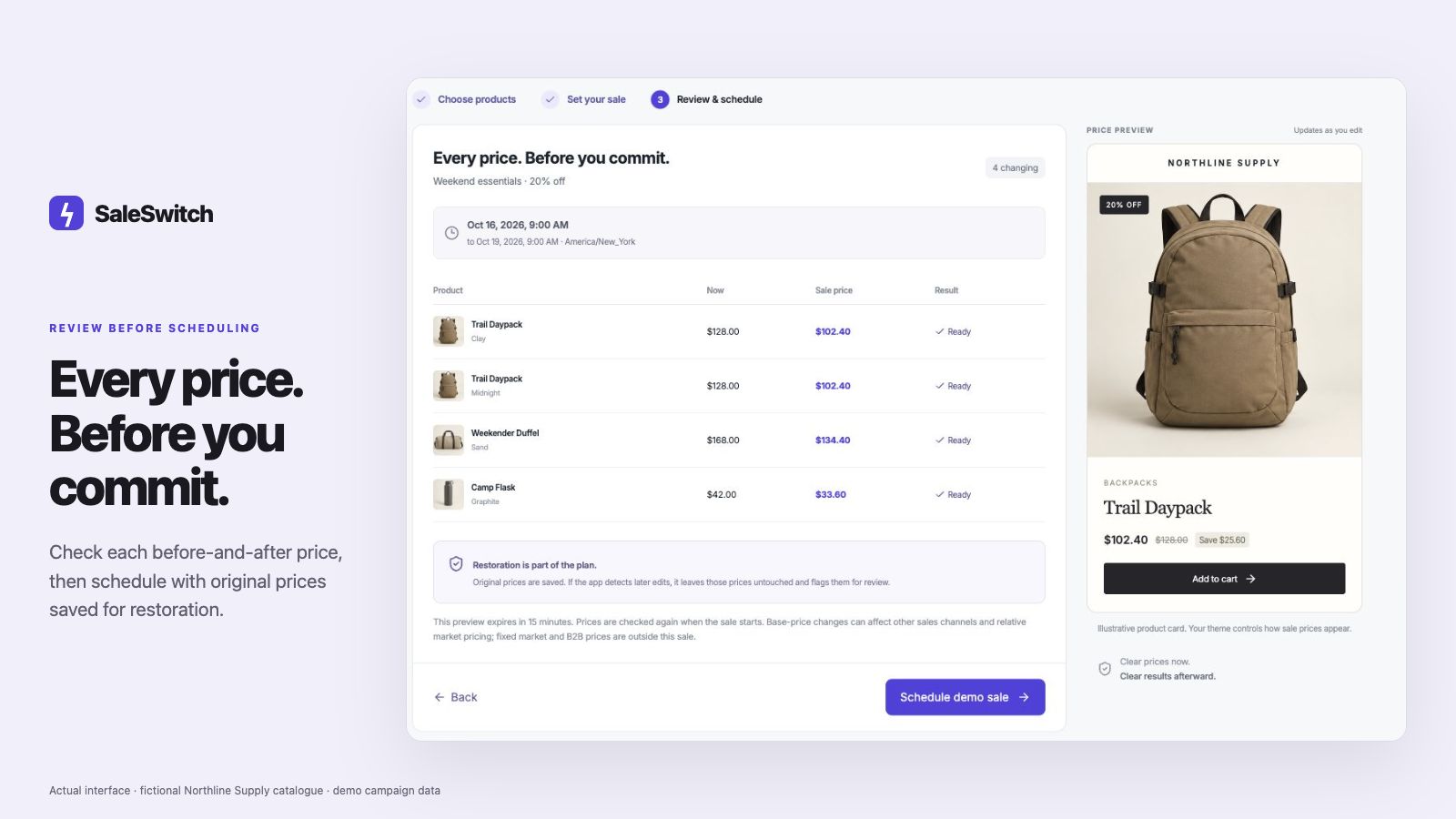
Actual app interface · fictional Northline Supply catalogue · example campaign data
ONE CLEAR FLOW
AI can help turn your brief into a draft.
You review the details before anything is scheduled.
Pick products and their loaded variants from your catalogue. Include multiple products in one sale.
Set a percentage reduction and the start and end dates in the displayed browser timezone. Skip products already on sale if you choose.
Check each before-and-after price and the displayed store timezone before scheduling. Prices usually start updating within about a minute after the selected start time; larger sales can take a few minutes.
Original prices are saved for restoration. Later price edits are protected and flagged for review rather than overwritten.
SEE THE ACTUAL APP
A guided walkthrough,
from selection to restoration.
Actual app screens · fictional demonstration catalogue. Narration generated with AI. Open the full walkthrough
SIMPLE PLANS
Launch pricing.
App Store listing coming soon.
A simple place to start
For stores running regular sales
Plans are billed through Shopify when the app is available. Free usage resets by UTC calendar month. AI drafts use request allowances; you always review before scheduling.
The demo uses fictional products and never connects to your store.
Open the interactive demo